World Cup 2026 eSIM: stay connected in all three host countries
Following your team across the US, Canada and Mexico? There's no single SIM that covers all three at a fair price — so grab a country eSIM for each leg, install them before you fly, and switch the active line when you land. No roaming bills, no SIM swap.
One eSIM per host country
Pick up a plan for each country on your itinerary. Live pricing, instant QR delivery by email, no app and no contract.
 United StatesFrom $4.99
11 host cities and the final — the bulk of the tournament.
- East RutherfordFinal
- Los Angeles
- Arlington
- Atlanta
- Houston
- Kansas City
- Miami Gardens
- Philadelphia
- Santa Clara
- Seattle
- Foxborough
 CanadaFrom $5.00
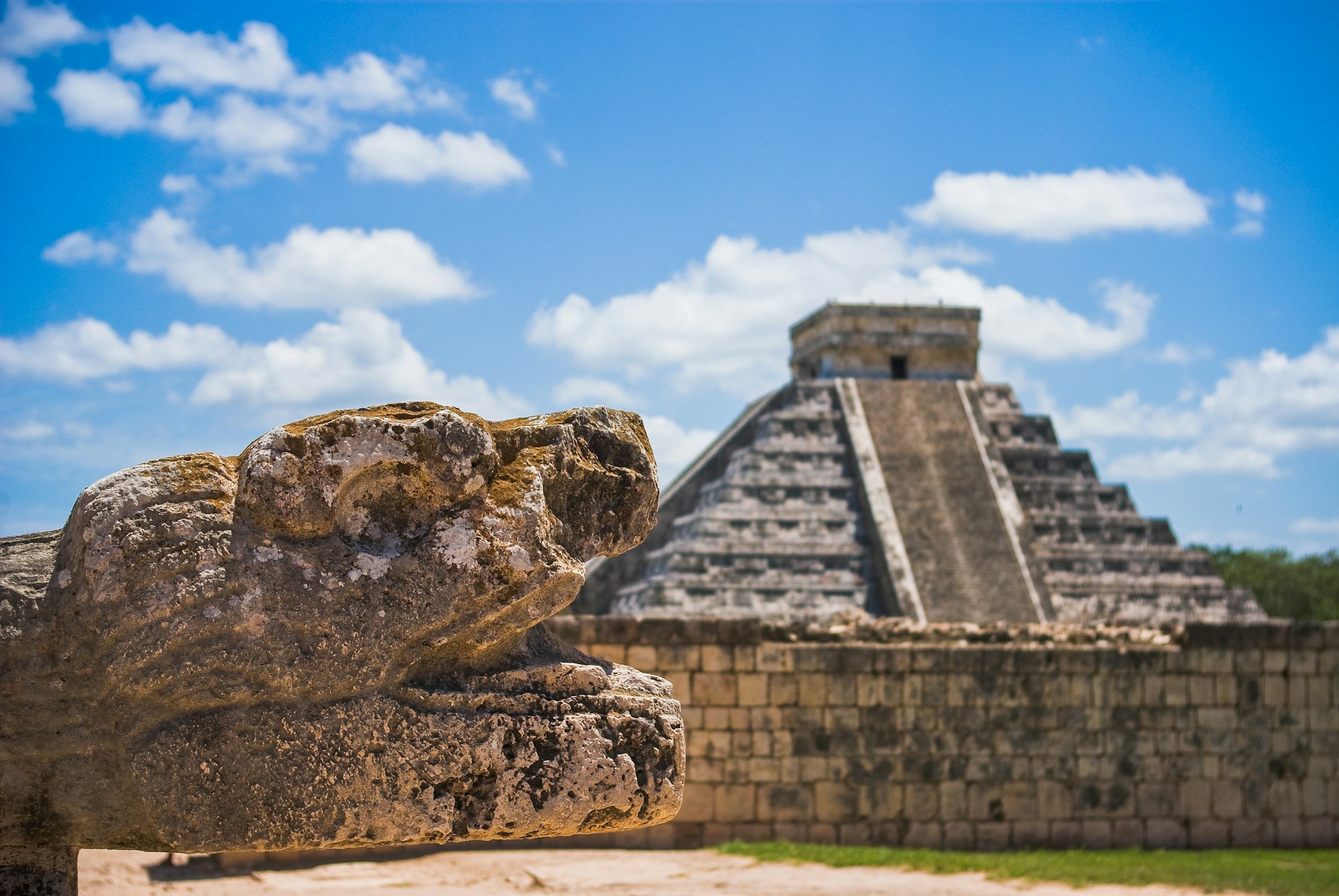 MexicoFrom $6.00
How multi-country data works
The World Cup is the first hosted by three countries at once. Here's the setup that keeps you online the whole way — border to border.
Full step-by-step guideInstall before you fly
Buy an eSIM for each host country you'll visit and install all the profiles over home Wi-Fi. Modern phones hold several eSIMs at once.
Switch on arrival
Land in the next country and flip the active data line in settings. Nothing physical to swap, no store to find, no airport Wi-Fi hunt.
Keep your number
Leave your home SIM on for calls, texts and 2FA codes. Turn off its roaming so it never bills you. WhatsApp and FaceTime run on the eSIM data.
How much data for match day?
Stadium-by-stadium data guides
Coverage, SIM setup and match-day tips for every 2026 host venue.
United States
- MetLife Stadium · East RutherfordFinal
- SoFi Stadium · Los Angeles
- AT&T Stadium · Arlington
- Mercedes-Benz Stadium · Atlanta
- NRG Stadium · Houston
- Arrowhead Stadium · Kansas City
- Hard Rock Stadium · Miami Gardens
- Lincoln Financial Field · Philadelphia
- Levi's Stadium · Santa Clara
- Lumen Field · Seattle
- Gillette Stadium · Foxborough
World Cup 2026 eSIM — FAQ
Is there one eSIM that covers the US, Canada and Mexico together?
No — and no honest provider offers one at a fair price. Each Lotsotravel eSIM covers a single country. If your trip crosses borders, buy a plan per host country and store them all on the same phone; you switch the active data line in settings when you land.
How much data will I use at a match?
A typical match day runs 1–3 GB with maps, a rideshare app, a mobile ticket, group chats and a few clips. For one match plus a few days in the city, a 3–5 GB plan is the common pick; following a team across cities, 10 GB or unlimited makes more sense.
Can I install the eSIM before I fly?
Yes, and you should. Buy the plan, wait for the email that your QR code is ready, then install it over home Wi-Fi. The data line activates when you arrive, so you're online the moment you land.
Will my normal phone number still work?
Yes. Keep your home SIM active for calls and texts, including 2FA codes, and set the eSIM as your data line. Turn off data roaming on the home line so it never connects to a foreign network and bills you.
Which countries host the 2026 World Cup?
The United States, Canada and Mexico co-host. The US holds the majority of matches across eleven cities, Canada hosts in Vancouver and Toronto, and Mexico in Mexico City, Guadalajara and Monterrey. The final is at MetLife Stadium, New Jersey, on July 19, 2026.
Land already connected
Grab an eSIM for every host country on your route and follow the tournament without a single roaming charge.